PowerOn Pro brings PowerOn development and Symitar workflows into Visual Studio Code. Its native Symitar connection extends beyond writing, validating, and deploying code: manage host files, run batch jobs, explore reports, and use interactive PowerOns from your editor. Bring workflows traditionally handled in the Quest GUI into the same workspace where you build and maintain your code.
The PowerOn Pro sidebar keeps your connections, Remote Syms, batch jobs, reports, and account tools together. Start with the Quickstart to install the extension and connect to your first Sym.
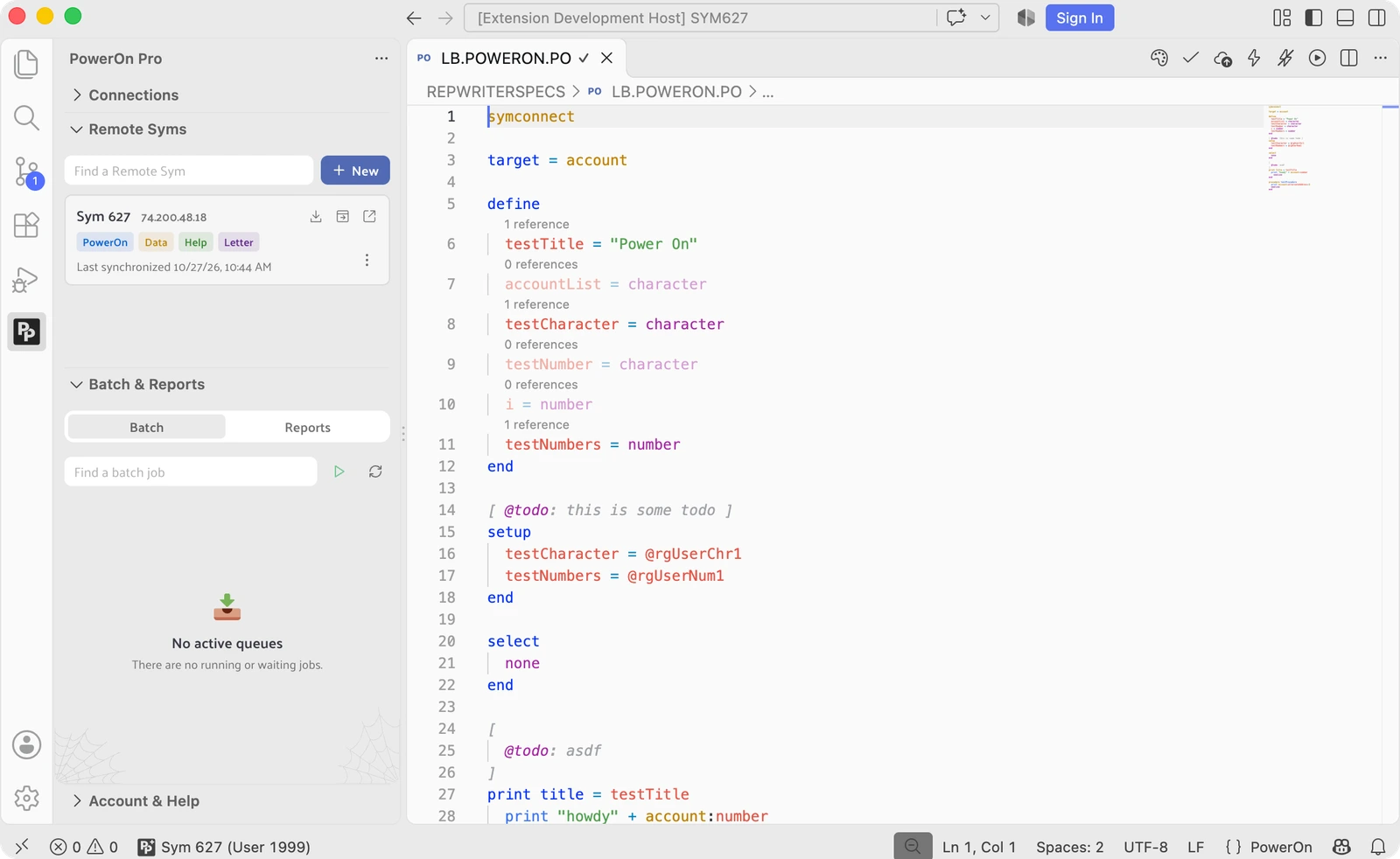
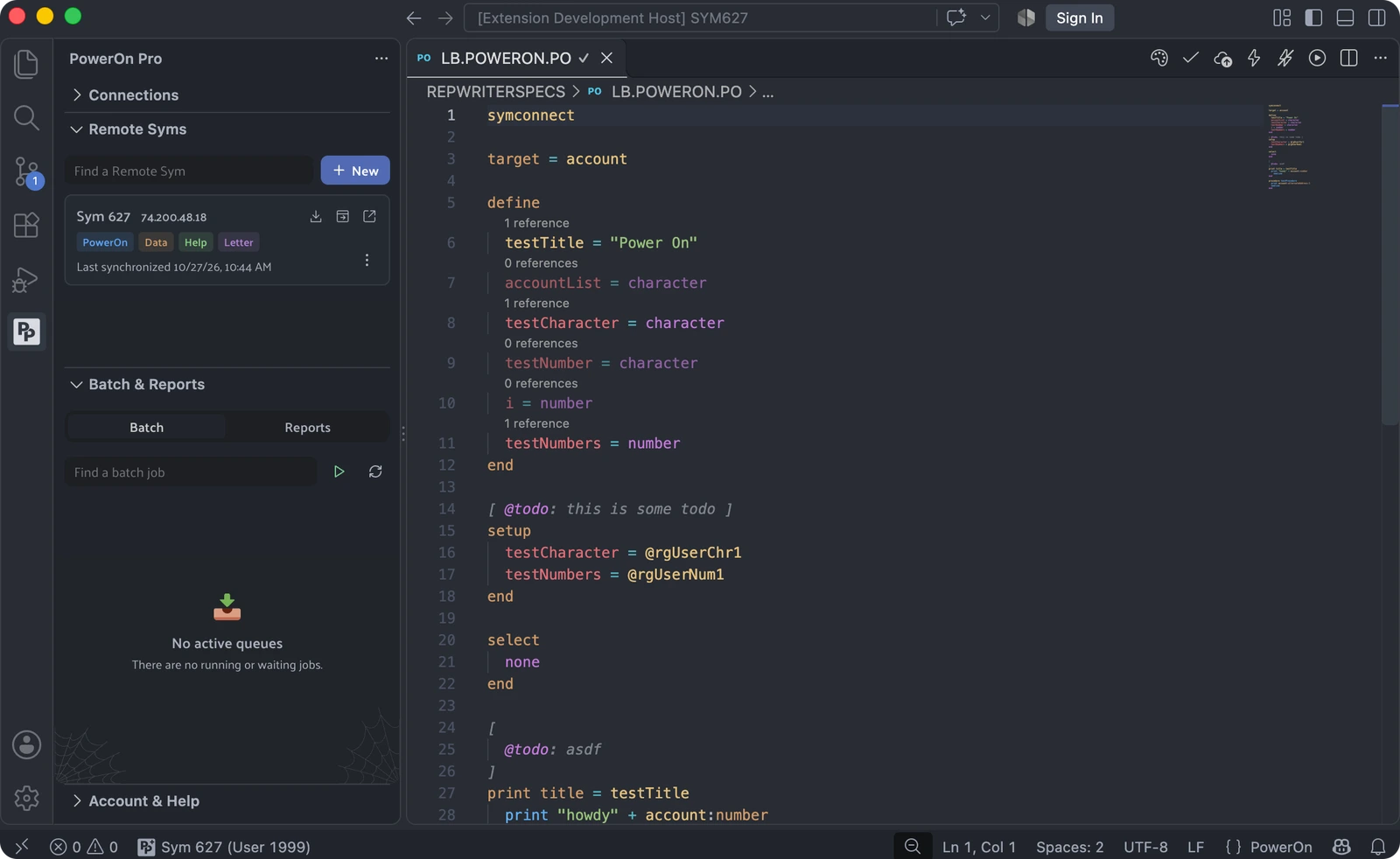
Your workspace
Select PowerOn Pro in the VS Code activity bar to open these views:
| View | What you do here |
|---|---|
| Connections | Create and test connection profiles, connect to a Sym, or switch to local development. |
| Remote Syms | Manage local copies of host directories and synchronize files with Symitar. Requires Plus. |
| Batch & Reports | Monitor batch queues, manage jobs, and browse synchronized reports. Requires Plus. |
| Account & Help | Sign in, manage subscription access, and find help. |
Free and Plus
The free version includes one Symitar connection, core language tools, host validation, and deployment and installation. You can also run batch PowerOns, look up individual reports, and work on local PowerOn files without connecting to a host.
Plus adds more connections, Realtime diagnostics and quick fixes, formatting, Remote Syms, OnDemand execution, and Batch & Reports. Sign in through Account & Help to use your subscription.
See the plan comparison for Free and Plus details.
Resources
- Set up your first connection with the Quickstart.
- Explore PowerOn Pro capabilities.
- Find help in the Libum Community.
- Read our privacy policy.
Key concepts
PowerOn
PowerOn is a procedural language for working with the Symitar database. Its record accessors map to the Symitar record structure, with built-in functions for writing PowerOn programs.
For the language reference, see the Jack Henry eDocs.