At the time of writing this how-to, to use the Symitar Explorer - Remote Syms feature we require the use of common Unix utility called rsync to manage the local directories for each Sym which we refer to as "semi-virtual" workspaces.
Getting started
Now, we're aware that most of the Symitar developers out there are on a Windows workstation and rsync isn't something that's natively available. Sure there's technically a way to get it running using Windows binaries but fortunately for us Microsoft gave us the ability to install a Linux distribution of our choosing through something called Windows Subsystem for Linux (WSL).
Installing WSL
We recommend you follow the latest installation guide, Install WSL, by Microsoft. The distribution you choose shouldn't matter as long as it comes with rsync already installed.
Installing SSHPass
In order to not prompt you 1,000 times while we manage the synchronization between your Remote Sym and local directory, we use another popular utility called sshpass. The following steps walk you thought how to set this up on Ubuntu.
Update & install via APT
Using Advanced Packaging Tool (APT), make sure your sytem has been updated with the lastet packages via the following commands:
- First make sure you're in your
wslinstance:

Running the wsl command from a PowerShell prompt in Windows 11.
- Next, from the
$prompt, go ahead and update youraptpackages:

Running the sudo apt update command within a WSL Ubuntu instance.
- After typing in your Ubutu user password, you should see something like the following:
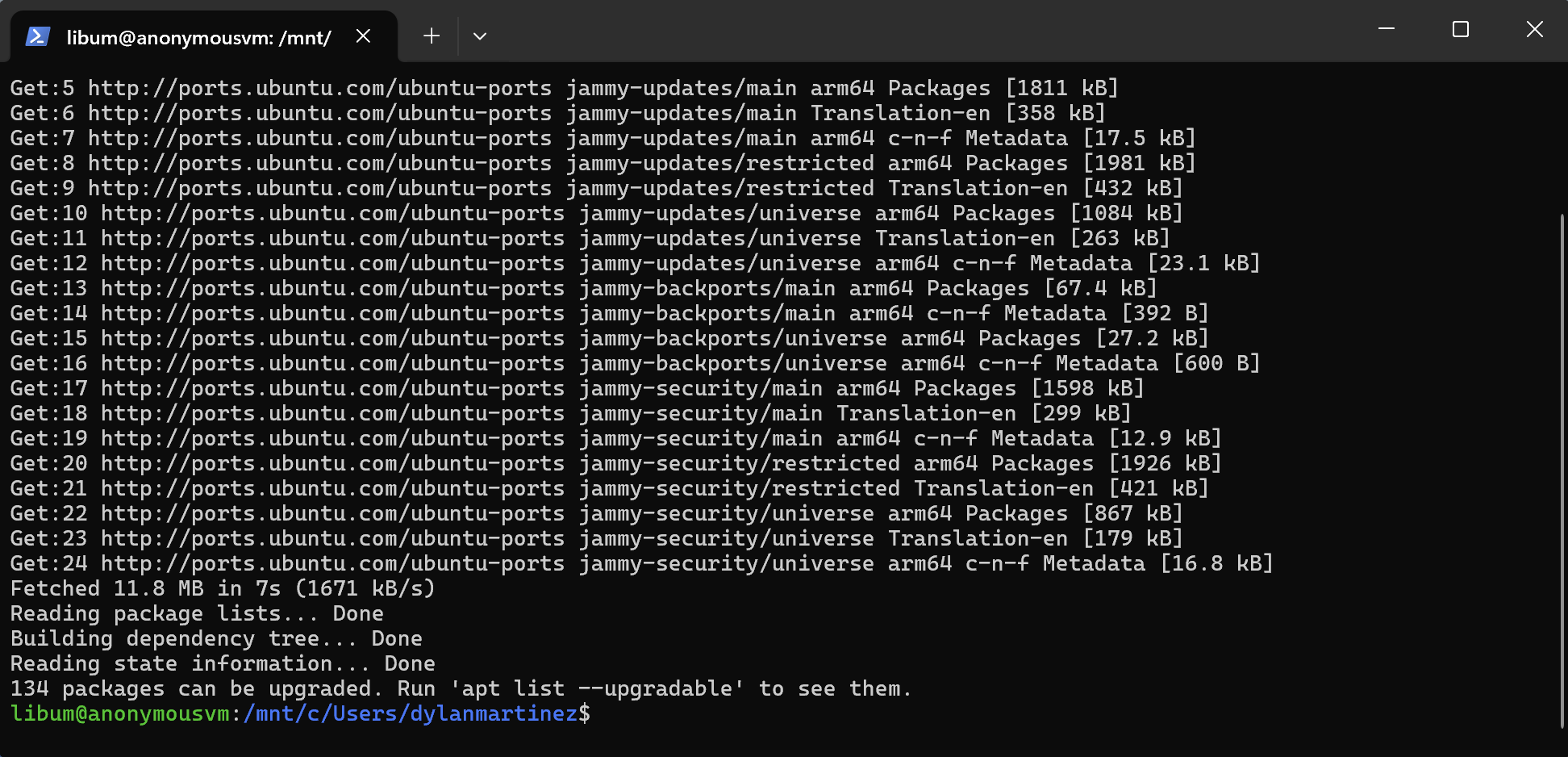
Output after running sudo apt update on WSL Ubuntu instance.
- Finally run
sudo apt install sshpass(if you've already installed, the output will look similar to the following)

Running sudo apt install sshpass on WSL Ubuntu instance.
Verifying the Remote Sym dependencies
After installation or if you have an existing WSL distribution you're working with, here are the simple commands to check if you meet the dependencies.
Is Rsync installed?
Run which rsync to confirm it exists in your /bin directory.

Running which rsync on a WSL Ubuntu instance.
Is SSHPass installed?
Run which sshpass to confirm it exists in your /bin directory.

Running which sshpass on a WSL Ubuntu instance.